MAX offers Family Protection
14 September 2026, Monday
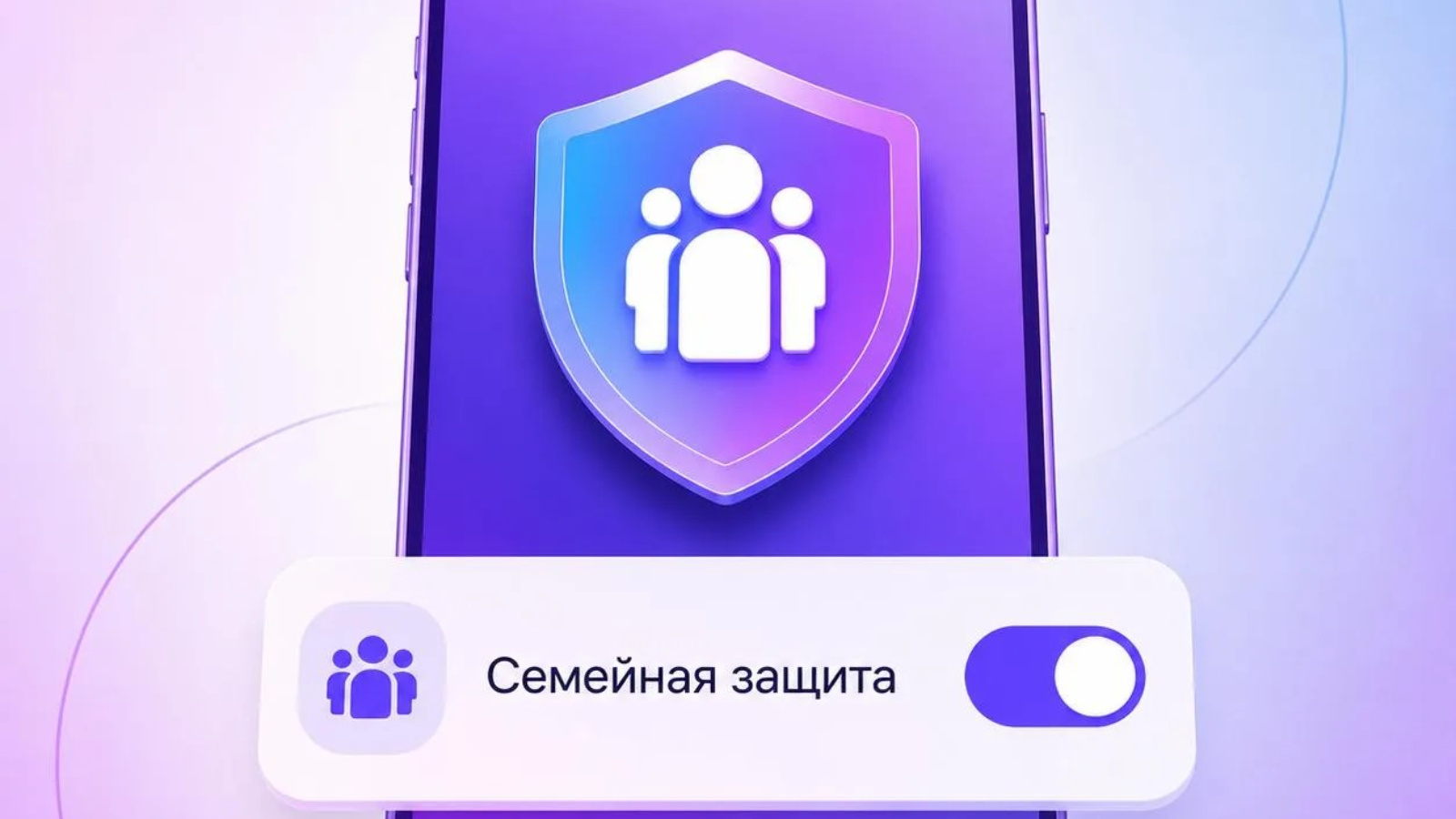
Children and elderly relatives are more often targeted by scammers. That is why MAX offers Family Protection, as reported by the app’s Security Center.
This feature allows you to become a security administrator for your loved ones and independently manage the privacy settings of their accounts.
For example, you can restrict calls from unknown numbers, prevent strangers from sending messages, or block others from adding the person to chats.
You can enable Family Protection in: Settings → Security → Family Protection.
Just a couple of minutes - and significantly less worry about your loved ones.
SUBSCRIBE FOR NEWS
All content on this site is licensed under
Creative Commons Attribution 4.0 International
If you see a mistake,
please select the word or sentence and press CTRL+ENTER